your Pinterest assistant —
A week of pins scheduled before you finish your coffee.
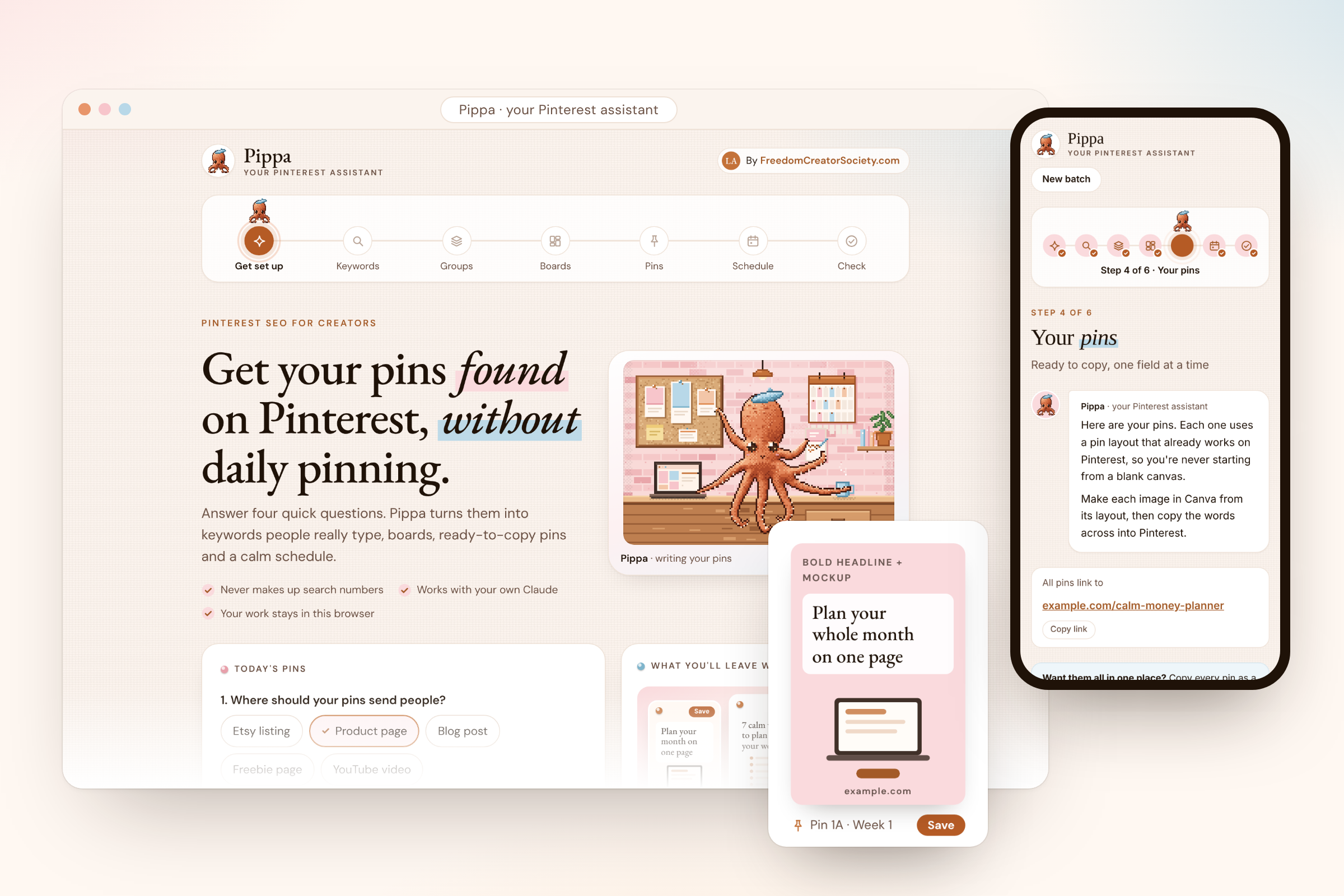
Meet Pippa. She takes you step by step from finding the right keywords to scheduling your pins, all in one sitting.
- No guessing what to write
- No showing your face
- No posting every day
- From $17
- Lifetime access
- Every update included

see her in action —
Watch Pippa write a week of pins
From the first keyword to the last scheduled pin, in about 30 seconds.
Shown with Pippa's built-in example: a budget planner shop.

You kept asking for my Pinterest assistant. So I made her yours.
IF THIS IS YOU
You love making your products. It's the marketing that is a struggle.
Maybe you work a full-time job and build your business in the quiet hours. Evenings. A free Saturday. You get genuinely excited making things.
You're not ready to show your face or go live yet, and that's okay.
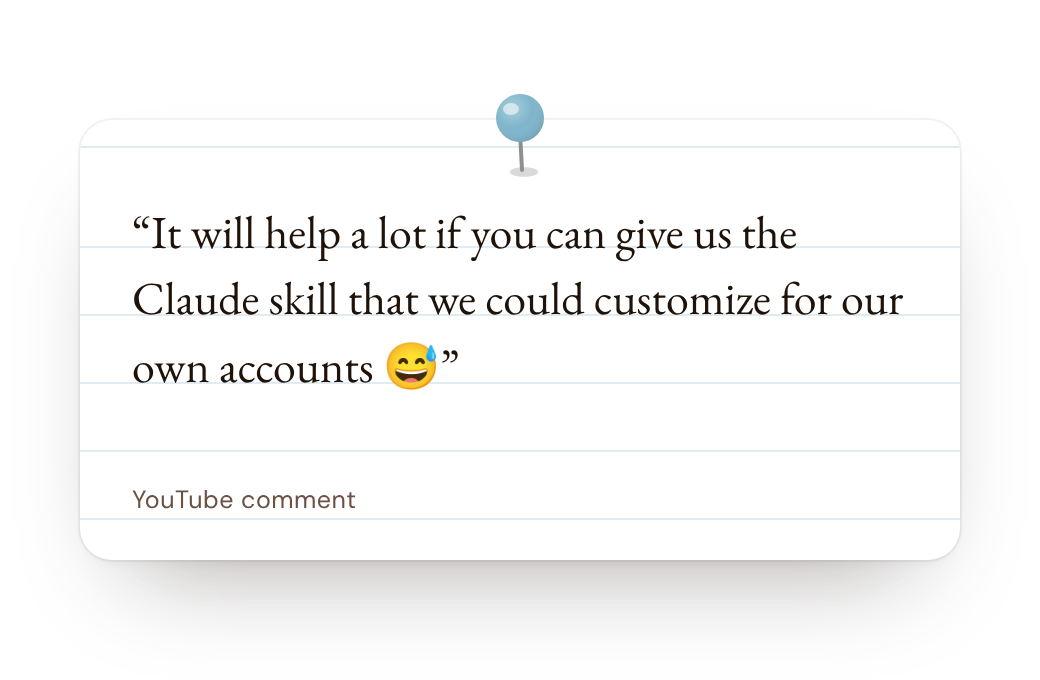
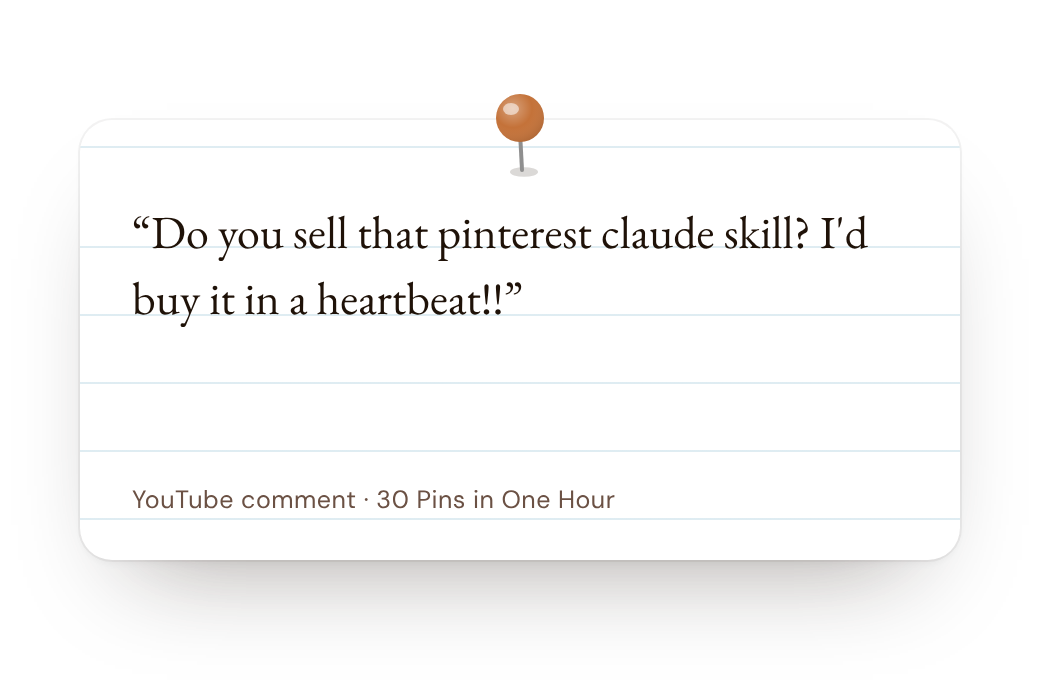
Pinterest feels right. It's a search engine, it's beautiful, and you can batch it. You just don't know how it works yet. Maybe you've already tried, and it went quiet:
It isn't your design, and it isn't you. It's the words. Pinterest needs to understand what your pin is about before it can show it to the right person. That's exactly where Pippa comes in.
From the first keyword to the last scheduled pin.
Pippa lives in your browser. Each step has one clear thing to do, so you'll always know where you are and what comes next.
-
Tell Pippa what you're pinning
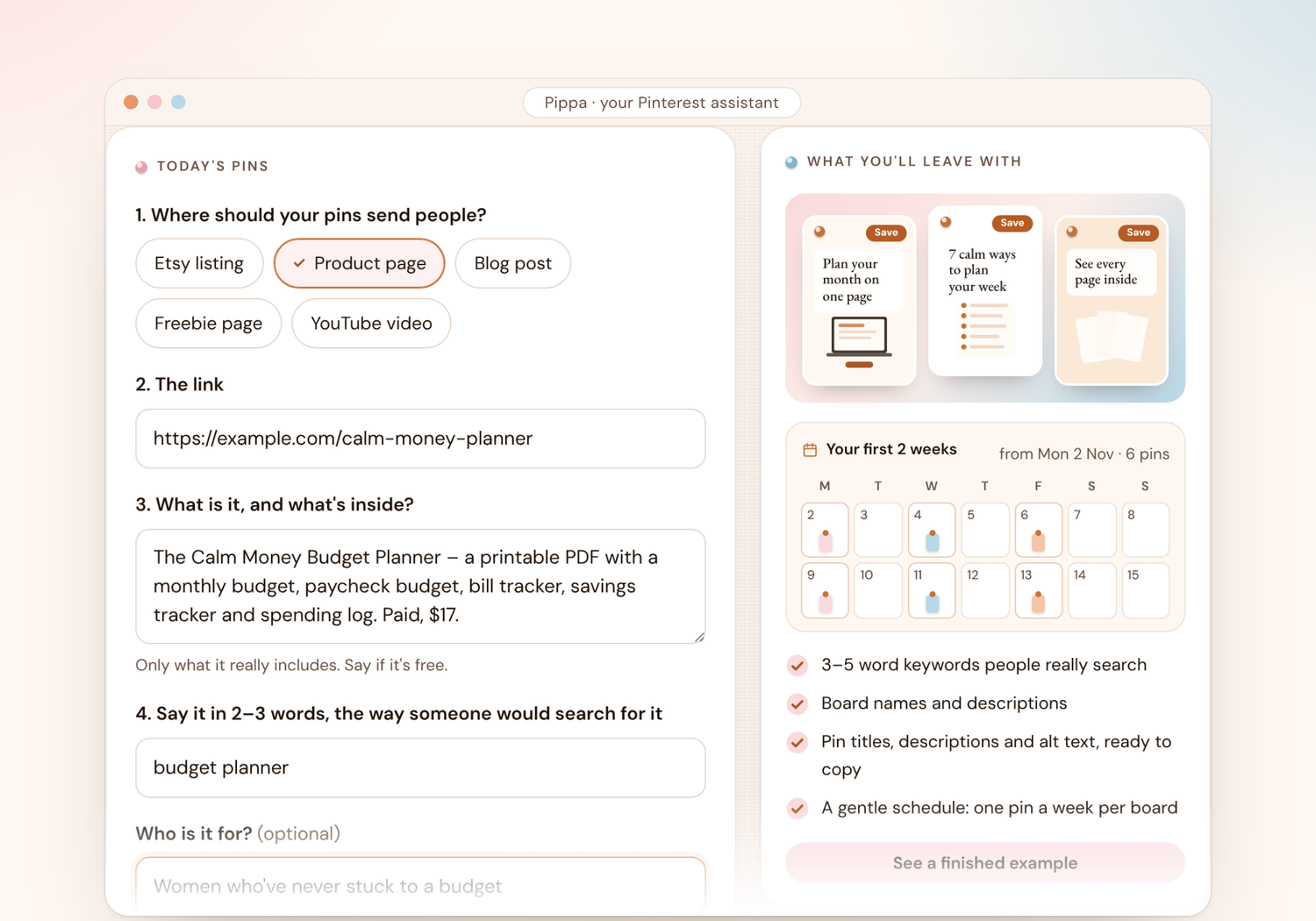
Four quick answers: where your pins should send people, the link, what it is, and how someone would search for it. That's your setup done.
-
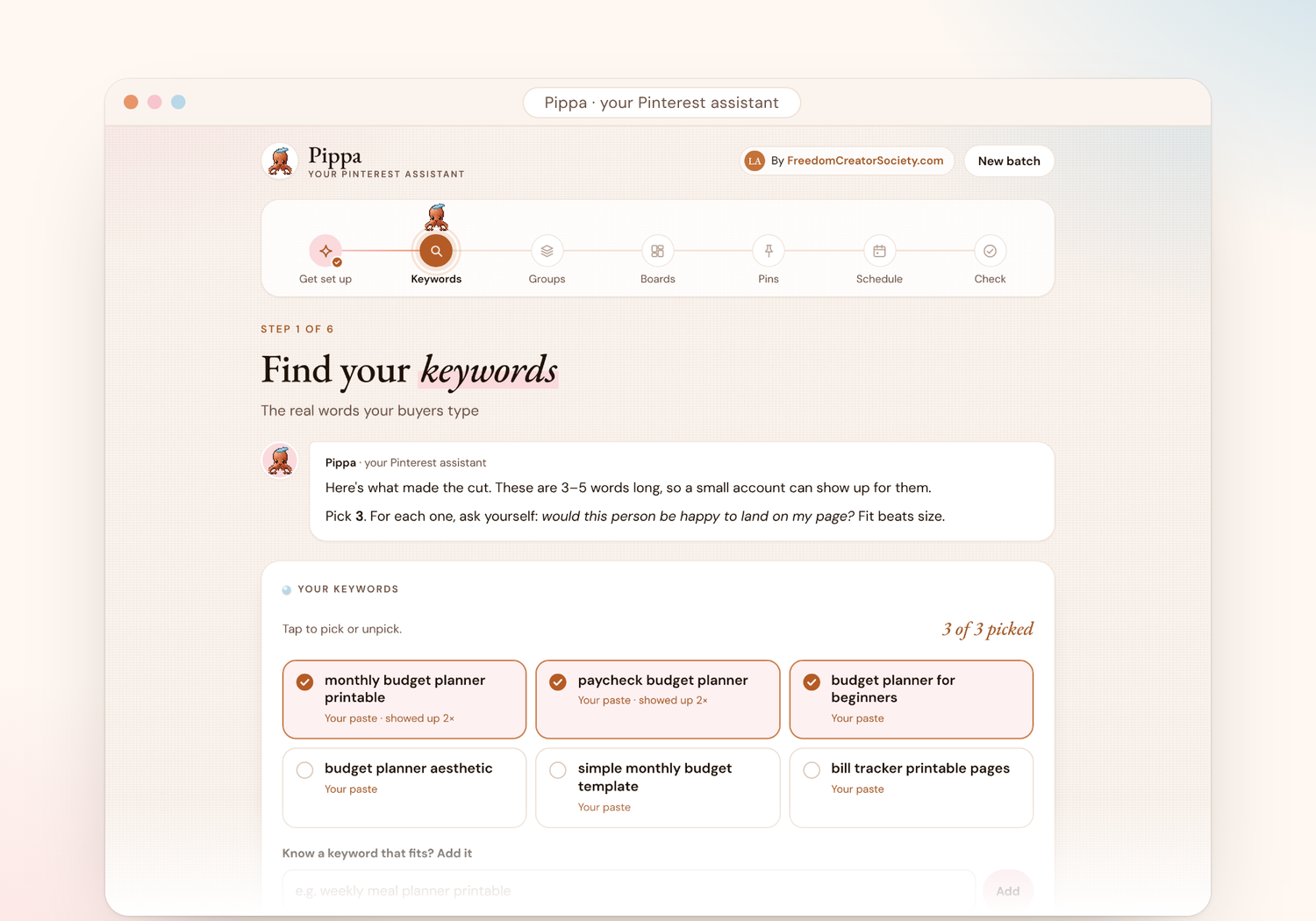
Find your keywords
Pippa gives you a few phrases to type into Pinterest. Paste back what Pinterest suggests, and she keeps only the 3–5 word keywords a small account can really be found for. Fit beats size, always.
-
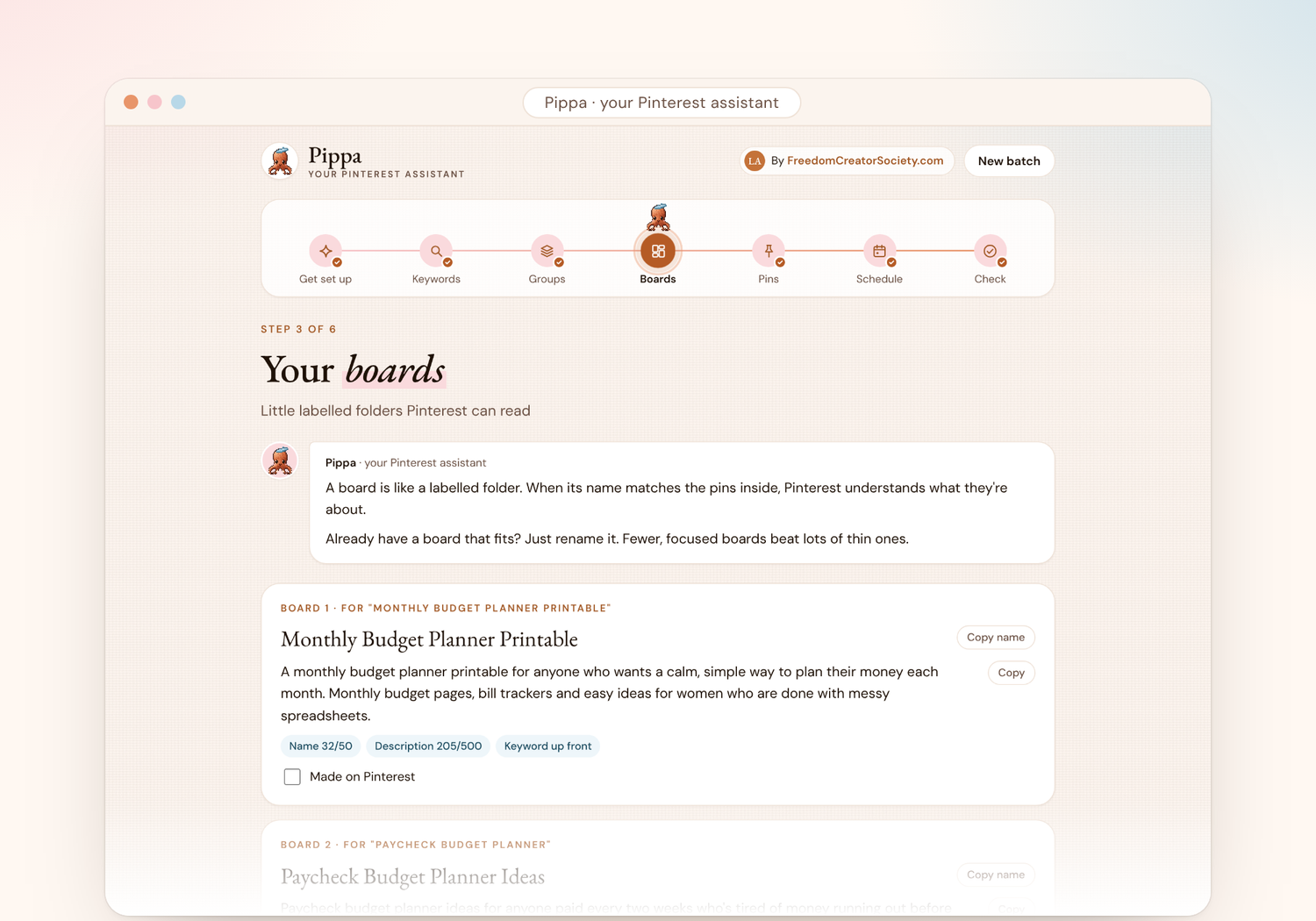
Group them and name your boards
One person, one moment, one group. Pippa names a board for each one and writes a description Pinterest can read.
-
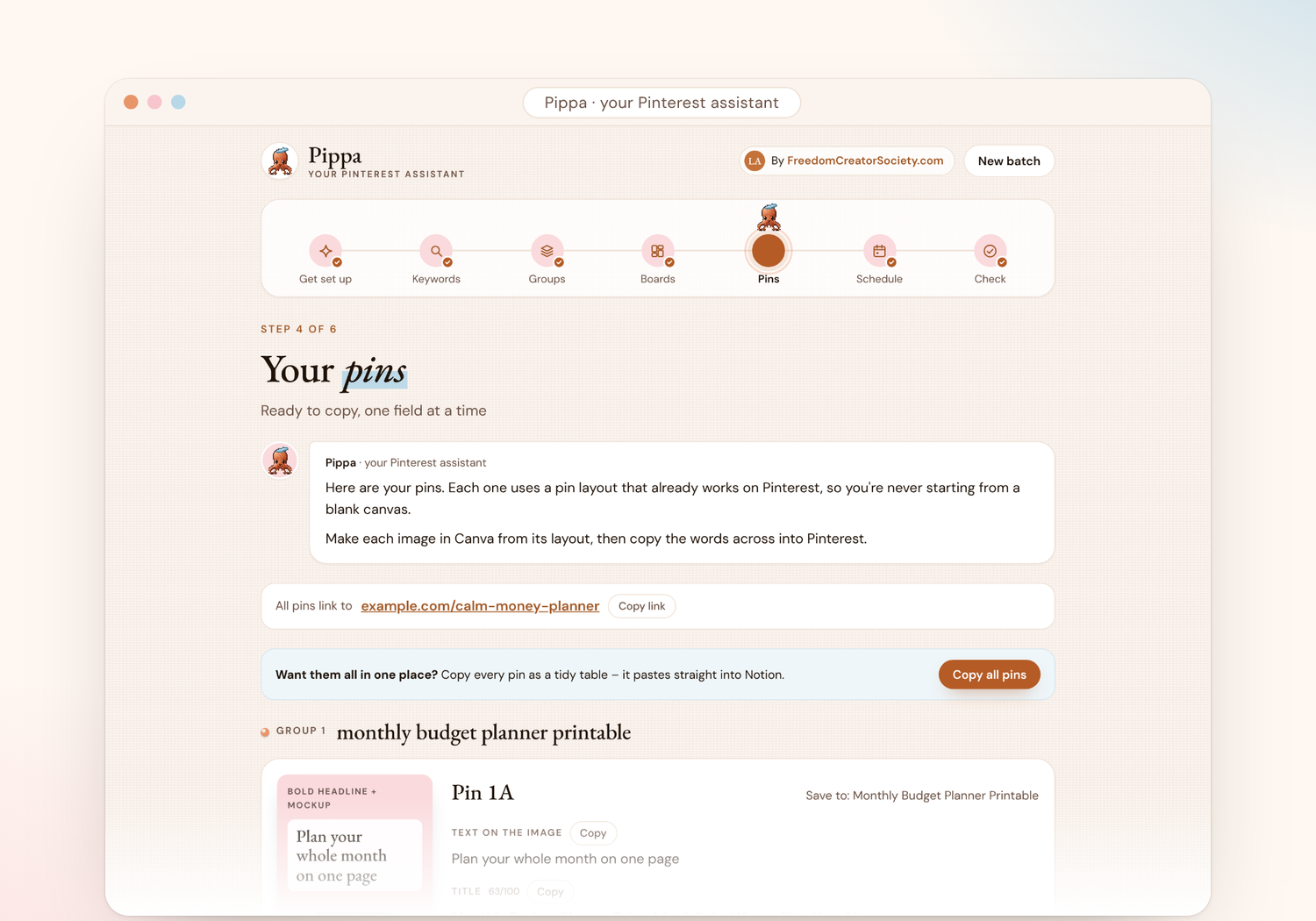
Get your pins
For every pin you get the words for the image, a title, a description, alt text, your link, and a design layout that already works on Pinterest. Copy one pin at a time, or copy them all into Notion in one tap.
-
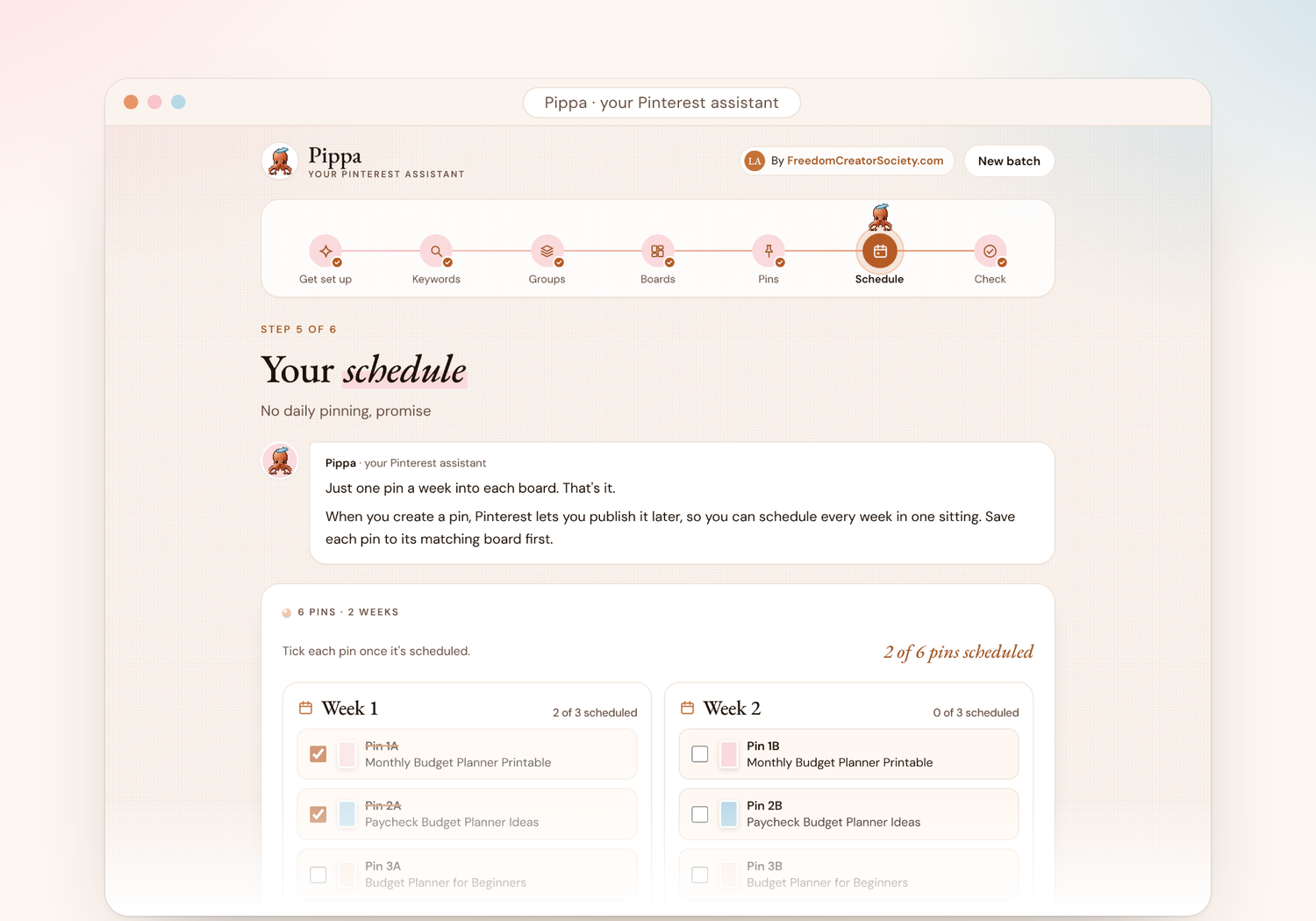
Schedule, gently
One pin a week into each board. Tick each one off as you schedule it, then close the tab.
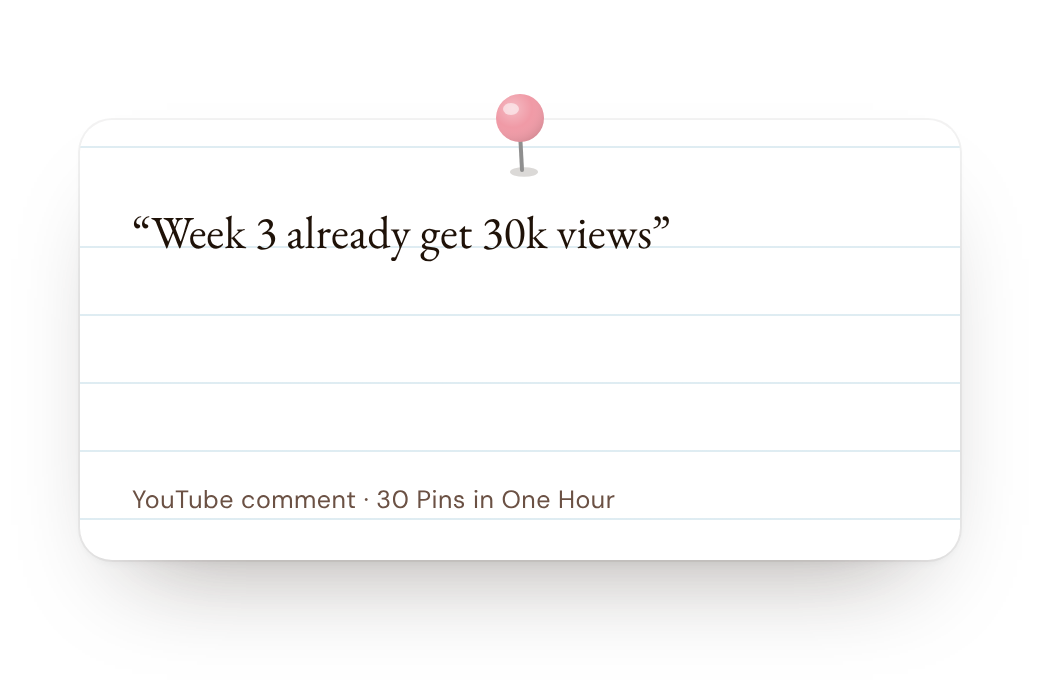
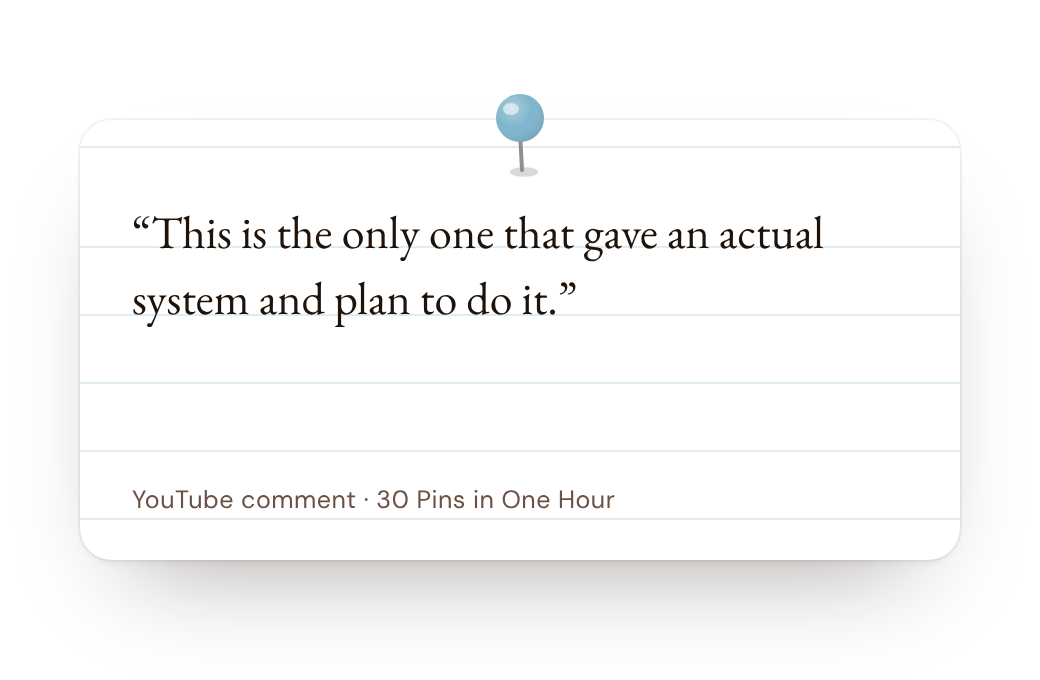
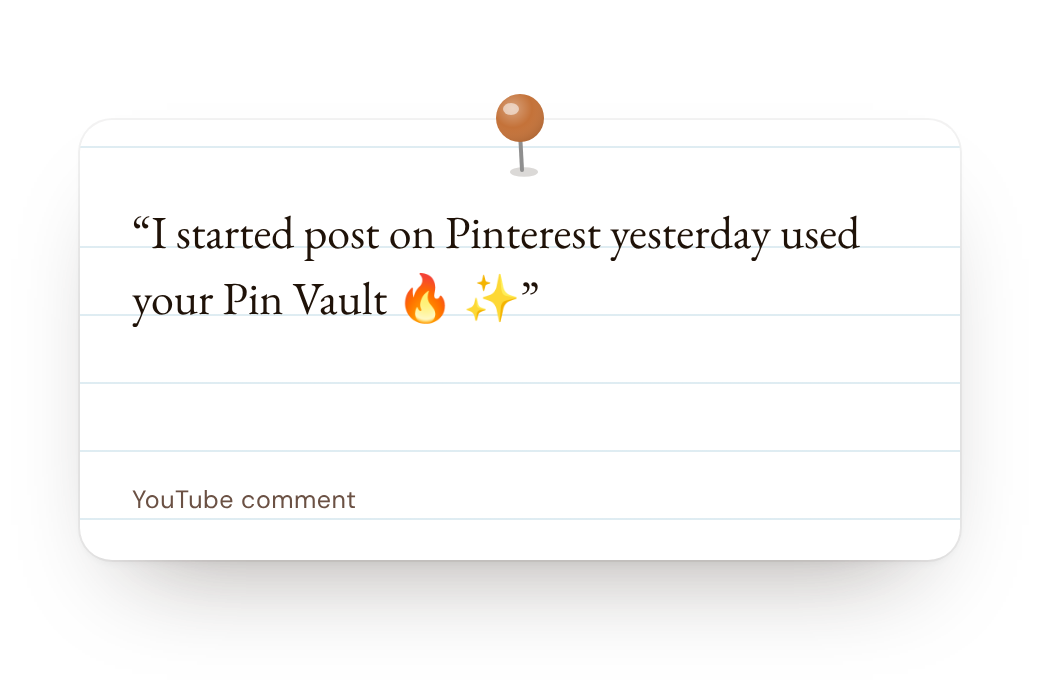
from people using my Pinterest method
why I made Pippa Pinterest was my first marketing platform
When I opened my first Etsy shop in 2022, English was my second language and I was scared to post. I didn't want my coworkers to see what I was doing. So I started with Pinterest, because I didn't have to show my face. I made my first sale while traveling to Amsterdam, and I've been obsessed with creating freedom ever since.
Those first pins gently grew into everything else: a YouTube channel, online courses, long videos and webinars.
Now that I work part-time, I needed something to help me create more batch create more pins in less time. So I trained my own Pinterest assistant. That's Pippa.

Pippa speaks your language.
Tap the little globe at the top of Pippa and choose English, Italiano, Español, Português, Français or Deutsch. Every step changes to your language, and so does everything she writes for you, ready to copy straight onto Pinterest.
Writing in another language? Choose "Another language" in the setup and type yours in, and Pippa writes your pins in it. If anything ever reads a little oddly, just tell me and I'll fix it.
founding offer —
Pay what you want.
I want Pippa in the hands of every creator who needs her, whatever season you're in. Choose the price that feels right today.
Every price gets you exactly the same Pippa.

Every price includes
- Pippa, your Pinterest assistant, in your browser
- Lifetime access, with one payment and no subscription
- Every future update, free
A little note: Pay what you want is a founding offer. Soon Pippa will have one set price, and anything you choose today keeps your lifetime access and every update.
good to know —
Questions, answered
Do I need to be techy?
Not at all. Every step tells you exactly what to type, tap or paste. If you can copy and paste, you can use Pippa.
Does Pippa only work with Claude?
No. Use your favorite AI tool. Pippa writes the prompt for you, so you just copy it into the AI you like, then paste the reply back into Pippa.
Does Pippa post to Pinterest for me?
No. Pippa writes your keywords, boards and pins and plans your schedule. You make the images (Canva is perfect) and schedule them on Pinterest yourself.
Will it work for my niche?
Pippa is made for digital products, printables, templates, courses, Etsy shops, blogs, freebies and YouTube videos. If people search for what you make, she can help.
Does Pippa work in other languages?new
Yes! Pippa speaks English, Italiano, Español, Português, Français and Deutsch. Tap the little globe at the top to switch, and the whole app changes language, along with everything she writes for you: keywords, board names and descriptions, pin titles, descriptions, alt text and the words for your pin images.
Creating in another language? Choose "Another language" in the setup and type yours in, and Pippa writes your pins in it. If anything ever reads a little oddly, just tell me and I'll fix it.
How long does it take?
About as long as you have. A few pins can be done in minutes, and a month of pins in about an hour.
Can I use it on my phone?
Yes, Pippa works in your phone's browser. The first time, a computer is a little easier.
Is this a subscription?
No. One payment, lifetime access, and every update included.
Do I get future updates for free?
Yes! Every future update is included at no extra cost, and it will be right there in your browser.
What's your refund policy?
Because Pippa is a digital product with instant access, all sales are final and I'm not able to offer refunds. That's part of why it's pay what you want: you can start at the price that feels comfortable for you. If something isn't working, just get in touch and I'll help you get set up.
Why pay what you want?
Because creators are in very different seasons. Pay what feels fair to you today. Every price gets the same Pippa.